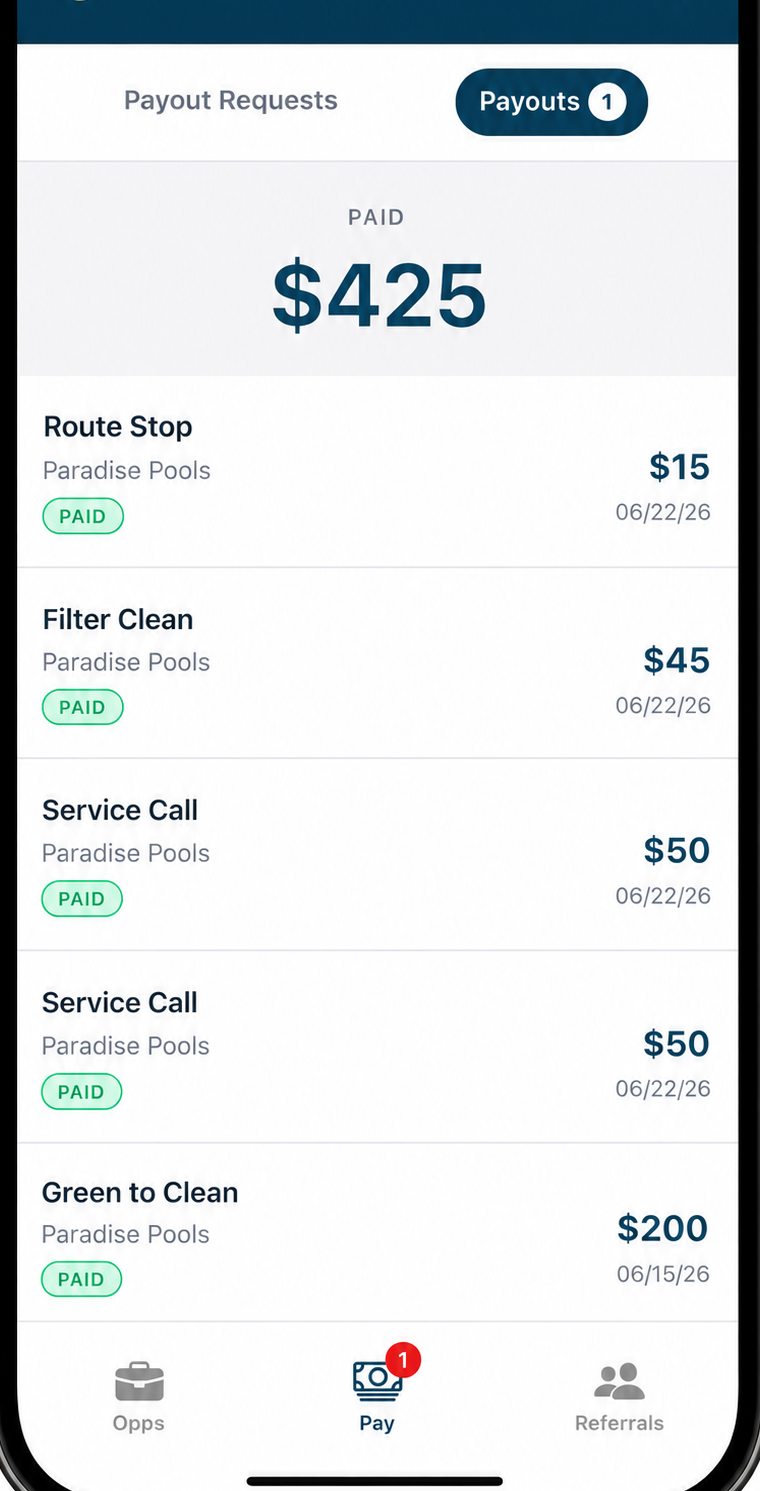
Three steps. No spreadsheets, no manual tracking.
1
Connect your Skimmer account
We import your route stops, work orders, and tech roster automatically.
2
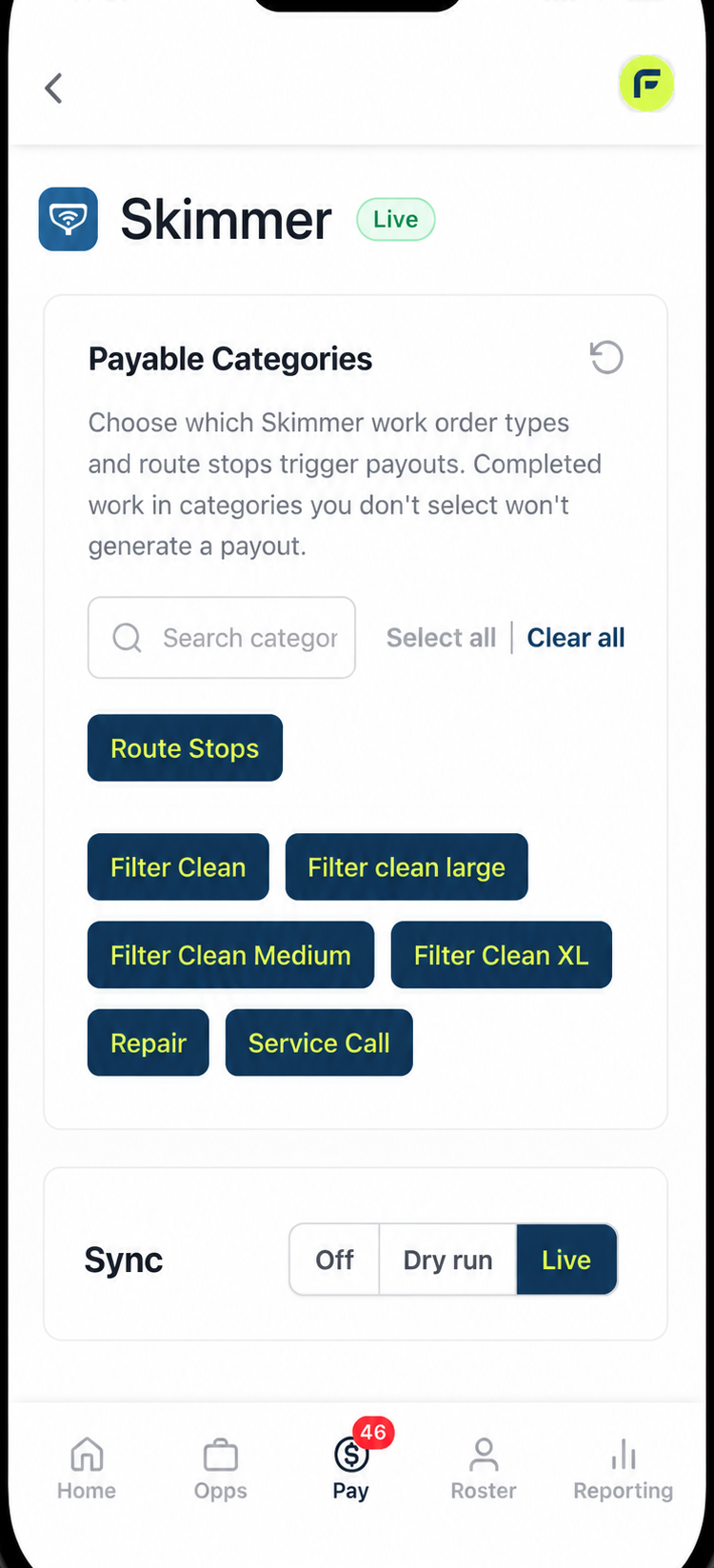
Choose your payable categories
In FieldPay, turn on the Skimmer work order types and route stops that should trigger a payout — Filter Clean, Service Call, Repair, whatever you run. Preview it in Dry Run before you flip it Live.
3
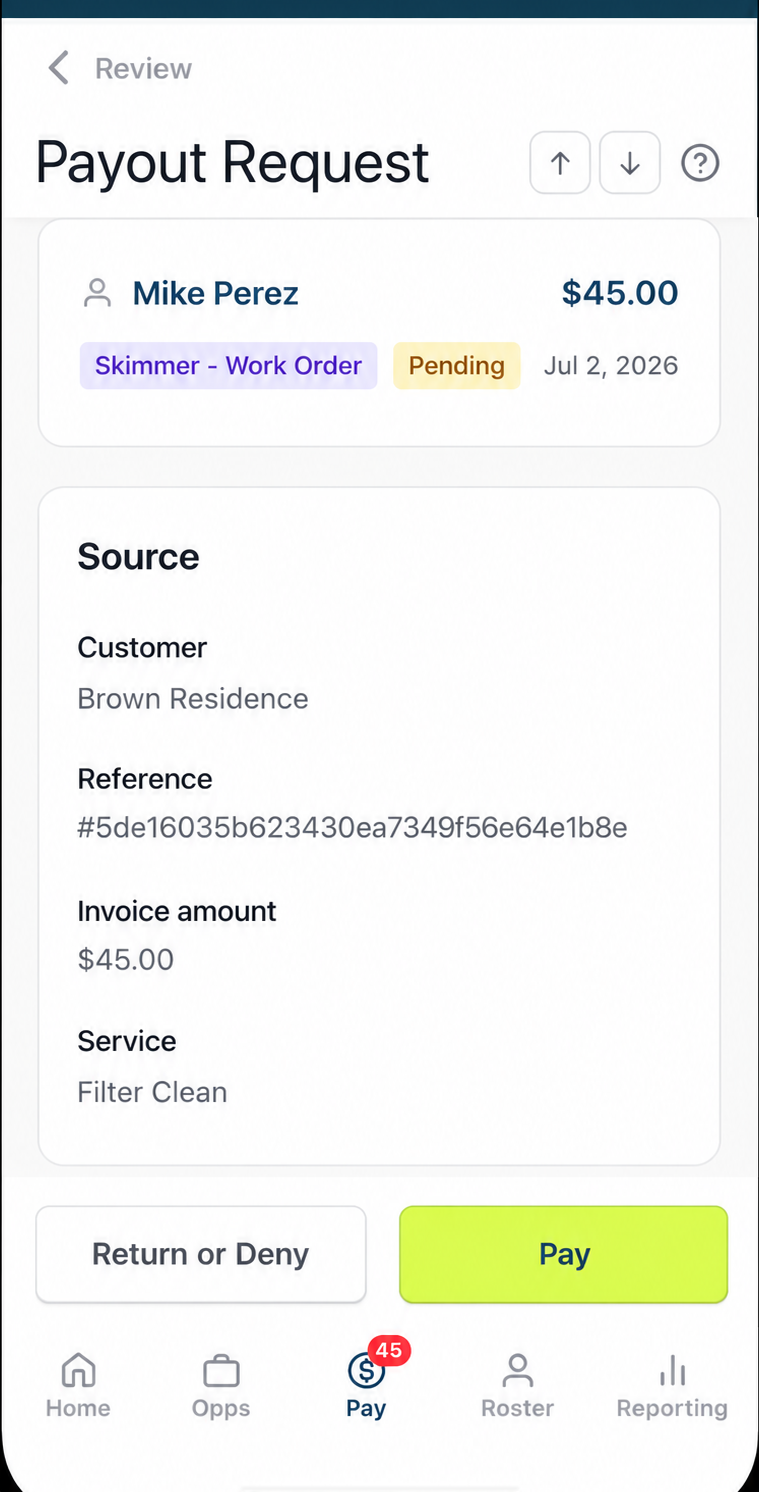
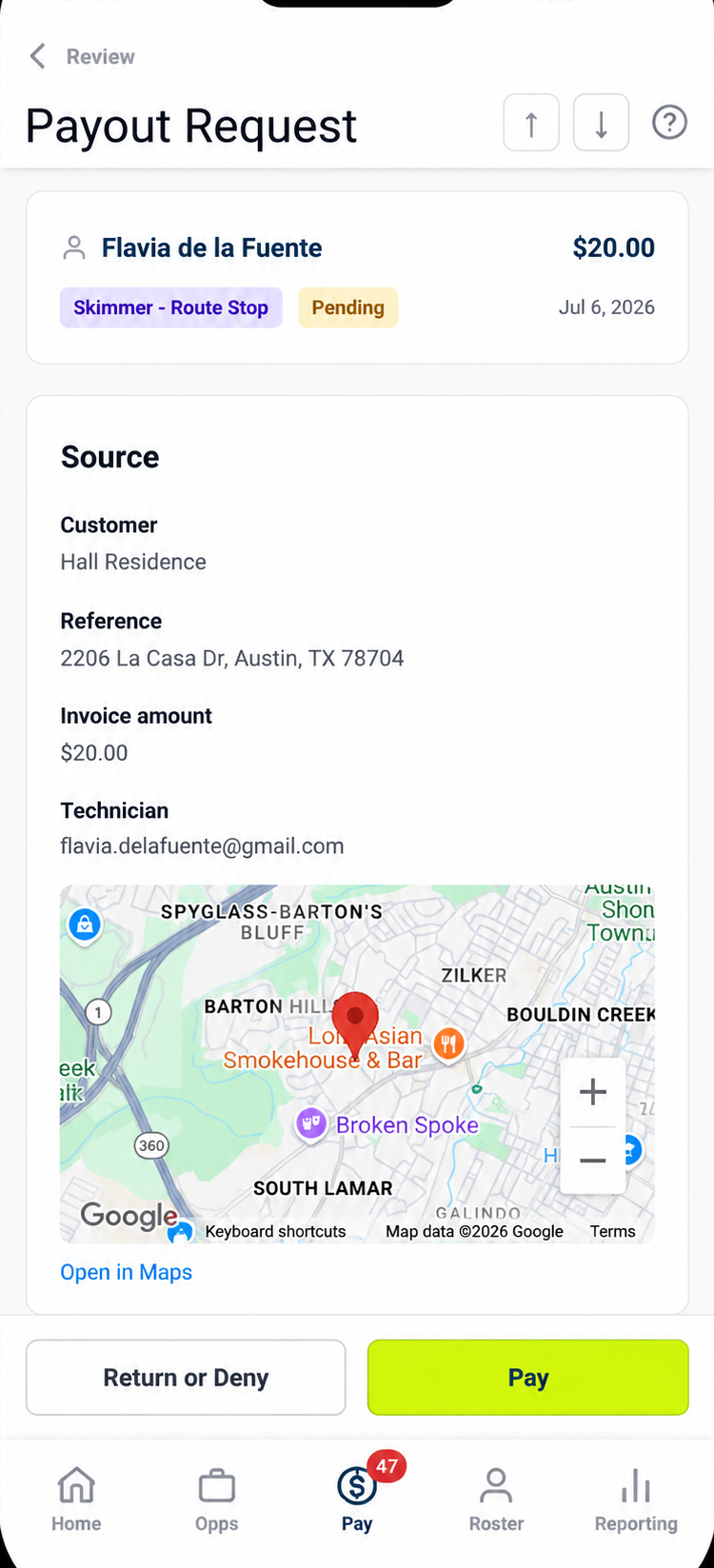
Completed work → payout request, automatically
When a tech finishes a tagged route stop or work order, FieldPay creates a payout request in your queue. You review and approve — your tech gets paid the same day.